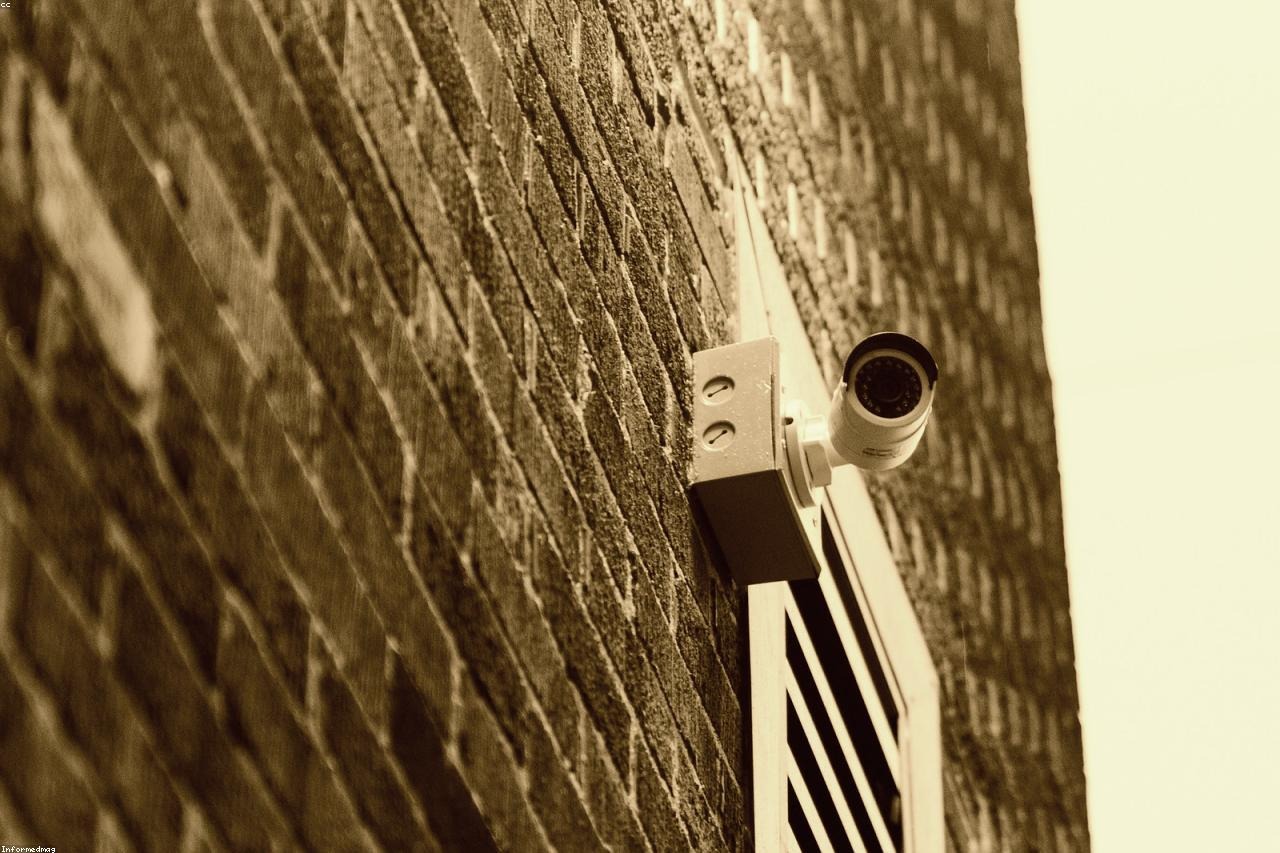
Monitor Your Home While Traveling Without Monthly Fees
Monitor Your Home While Traveling Without Monthly Fees
You’re three days into a two-week trip to Portugal when your phone buzzes at 2 AM. Motion alert. Heart rate spikes. You open the app, squint at a pixelated image on your hotel nightstand, and see — nothing identifiable. A shadow? Your cat? You won’t know until you land.
That moment of useless panic is what bad home monitoring looks like. Not a hardware failure. A bad buying decision made six months earlier when everything seemed fine.
This guide covers what actually works for remote home monitoring: which specs matter, what breaks at setup, and which cameras are worth buying before your next trip.
Why Most Travelers Get Home Monitoring Wrong
The standard approach goes like this: someone googles “cheap security camera,” buys the first result on Amazon for $22, plugs it in the night before their flight, and assumes everything will work. It doesn’t. At least not when it matters.
2.4GHz-only cameras in congested signal environments. Most budget cameras run exclusively on the 2.4GHz Wi-Fi band. In apartment buildings and dense urban neighborhoods, that band is saturated — dozens of devices competing for the same frequencies. When you leave and something causes a brief disconnect, there’s no one home to reboot the router. You open the app in Bangkok to find “Device Offline.” Nothing was recorded. You have no idea what happened.
Subscription walls on features you assumed were included. The Ring Indoor Cam (2nd Gen) sells for $60, but without Ring Protect at $10/month, you get zero recorded clips — only live view. Which means if an alert fires at 11 PM and you check it at 3 AM, the footage is gone. Blink follows the same model. Arlo charges $10/month per camera. Wyze offers a free tier, but it caps motion clips at 12 seconds with a 5-minute cooldown between alerts. If an incident runs to the 13-second mark, or two things happen within five minutes, you have nothing.
Night vision that announces itself. Most entry-level cameras use infrared LEDs that emit a visible red glow. Anyone walking into a room sees it. More importantly, infrared night vision in low-cost cameras tends to produce flat, washed-out footage in complete darkness — good enough to confirm your cat is still alive, not good enough to identify a face or read detail at six feet.
Fixed-lens cameras covering one corner of the room. A static camera aimed at your couch covers maybe 30% of the living space. The entryway, the window, the shelf where your laptop lives — invisible. When an alert triggers, you’re staring at the wrong wall.
Each of these is a real failure mode, not an edge case. They compound. A camera that drops connection, locks recordings behind a paywall, produces unusable night footage, and only covers a quarter of a room isn’t security infrastructure. It’s a decoy with a lens.
What good remote monitoring actually looks like: you get an alert, you open the app, the camera has already tracked the motion and recorded clear footage, you can see exactly what happened and speak through the camera if needed. That’s the standard. It’s achievable. But it requires buying the right hardware upfront.
What Specs Actually Matter for Remote Home Monitoring
Before buying anything, know what separates a useful camera from an expensive paperweight. This table does that work:
| Feature | Why It Matters for Travelers | Minimum to Look For |
|---|---|---|
| Wi-Fi Band | 5GHz has less interference and more stable streaming in busy areas | Dual-band or 5GHz support |
| Resolution | You need to identify faces on a compressed app stream from thousands of miles away | 3K / 5MP minimum |
| Pan-Tilt-Zoom (PTZ) | Remotely adjust camera angle from your phone — no fixed blind spots | 360° horizontal, 90°+ vertical |
| AI Auto-Tracking | Camera follows movement automatically — no manual panning required | Subject tracking with facial ID |
| Night Vision Type | 0-glow means no visible infrared light — better image quality, less obvious placement | 0-glow or full-color night vision |
| Two-Way Audio | Speak to pets, housesitters, or delivery drivers from your hotel room | Built-in speaker and microphone |
| Monthly Fee | $10–$20/month adds up to $120–$240/year — enough to buy another camera outright | No mandatory subscription for core features |
| Power Backup | A power outage leaves you blind with no battery fallback | Built-in battery or UPS-compatible design |
If a camera misses three or more of these columns, skip it regardless of the price. A $22 camera that goes offline while you’re in Singapore is not a budget win.
Resolution: Why 1080p Is No Longer the Baseline
At 1080p, faces are recognizable in ideal conditions — good light, close range, no compression artifacts. At 3K (5MP), you can read face features on a phone screen through a compressed app stream. For a traveler checking an alert from abroad, the difference is the difference between “I can see someone is there” and “I can see who it is.” The Eufy SoloCam E40 at $90 offers 2K, which is a step up. Cameras now hitting 3K at under $55 have moved the practical baseline. There’s no reason to pay more per unit for less resolution in 2026.
PTZ vs Fixed: Why a Camera That Moves Beats One That Doesn’t
A fixed camera covers one angle indefinitely. A PTZ camera lets you remotely steer the view from your phone. Add AI auto-tracking — where the camera physically rotates to follow whatever is moving — and the camera responds to your home instead of recording a static slice of it. For pet monitoring, auto-tracking is the difference between watching your dog and watching the wall your dog was standing in front of three minutes ago. For motion alerts, it means the camera has already repositioned to follow the subject before you even open the app.
5GHz Band: Does the Difference Show Up in Real Use?
Yes — especially in apartments and older buildings where the 2.4GHz band is overloaded. A 5GHz-capable camera in the same building maintains a noticeably more stable video stream and delivers motion alerts faster. The tradeoff is shorter range through walls, but for indoor cameras placed within 20–30 feet of a router, that rarely matters. If your router supports 5GHz and your camera supports it, use it. Stop sharing bandwidth with every smart bulb and Bluetooth speaker in the building.
The Two Indoor Cameras Worth Buying Before You Leave
Most of the under-$30 camera market is not worth serious consideration for travel monitoring. Here are two that are worth it.
Best Overall Coverage: 5G AI Camera 2-Pack at $50.49
Two cameras, one price, no monthly fee for core features. The 5G indoor security camera 2-pack with AI tracking and facial recognition covers almost every row in the table above: 3K / 5MP resolution, PTZ movement, AI subject auto-tracking, facial recognition alerts, 0-glow night vision, two-way audio with a built-in speaker, and 5GHz band support for stable connections — all at $25 per camera.
The 0-glow night vision is worth specific attention. The Wyze Cam v3 and Blink Mini — two of the most popular budget cameras — both use visible infrared LEDs that emit a red glow anyone walking into the room will notice. This camera doesn’t. That means better image quality in complete darkness and less obvious placement if you care about that. The facial recognition works as a filter, not an identifier: you register the faces that belong in your home, and the camera alerts you specifically when an unknown face appears — not every time your cat knocks something off a shelf. Rated 4.4 out of 5 from 480 reviews.
Verdict: For most travelers covering a living room and entryway, this 2-pack is the right buy. Two cameras, no ongoing fees, specs that match Arlo and Eufy units costing twice as much per camera.
Best for Power Outage Risk: Battery-Backup Model at $39.99
Same core specs as the 2-pack — 3K, 5GHz, PTZ, AI tracking, 0-glow night vision — with one addition that changes the risk profile entirely: a built-in battery that keeps the camera running when the power goes out. The battery-protected version at $39.99 eliminates the single biggest vulnerability in most home monitoring setups: the camera going dark the moment the electricity does.
At $39.99 for one camera versus $50.49 for two of the standard model, the math only works if power outage protection is a real concern for your situation. Traveling during hurricane season, living somewhere with aging infrastructure, leaving for more than three weeks — those are the scenarios where this camera earns its place. Stable power environment, two rooms to cover? The 2-pack gives you more coverage for less money.
Five Setup Mistakes That Leave Your Home Blind While You Travel
Having the right camera is half the job. Setup errors are responsible for more monitoring failures than hardware quality ever is. These are the five that come up most often.
- Setting up the camera the night before departure. App pairing, firmware updates, motion zone calibration, and notification tuning take more time than a rushed evening allows. Do this at least 72 hours before your flight so you have time to troubleshoot without watching your taxi driver circle the block.
- Aiming the camera at a window. Windows produce glare during the day and show nothing useful at night. Point cameras at interior entry points — doors, hallways, the main living area — not toward exterior light sources.
- Skipping local storage setup. Cloud tiers have clip limits and cooldown periods. A 64GB SanDisk High Endurance microSD card ($15–$18 at most electronics stores) provides continuous local recording without those constraints. Both cameras above support microSD storage. Insert the card and enable continuous recording before you leave, not at the airport.
- Not testing remote access from outside your home network. A camera that works perfectly on your home Wi-Fi isn’t guaranteed to work on hotel Wi-Fi or mobile data abroad. Test the app from your phone’s cellular connection at least a full day before departure — not at the terminal gate.
- Leaving notification sensitivity at factory default. Default settings trigger alerts for passing headlights, ceiling fans, and window shadows. Most travelers mute their app notifications within 24 hours and then have no alerts at all. Spend 20 minutes before your trip calibrating motion zones and lowering sensitivity so you only get notified when something genuinely requires your attention.
The notification calibration step is skipped most often and causes the most real-world failures. An alert-fatigued traveler who silences the app has functionally no security camera — just a device recording footage nobody will ever check.
Questions Worth Answering Before You Book the Flight
Do I need a camera in every room?
No. Focus on entry points and the spaces where valuables are concentrated. For most apartments: the front door area and main living room. A 2-pack handles that. A third camera becomes useful for a back entrance, a home office with equipment, or a garage. Start with two and add from there based on what the first week of footage shows you.
What happens if my home Wi-Fi goes down while I’m traveling?
Any camera without cellular backup goes offline the moment the router does. Three practical options: (1) have a trusted neighbor or housesitter reboot the router on request — works for most trips under two weeks, (2) put the router on a Wi-Fi smart plug connected to a separate cellular-based hub so you can remotely power-cycle it, or (3) run the cameras on a dedicated mobile hotspot instead of your home ISP. For most travelers with a reliable ISP and a trip under three weeks, option one is sufficient and costs nothing.
Can AI facial recognition realistically identify an intruder?
At this price point, facial ID works as a meaningful alert filter, not a forensic tool. You register the faces of everyone authorized to be in your home — housesitter, family, pet sitter. The camera then sends you a specific alert when an unregistered face appears, rather than triggering every time a shadow crosses the room. That distinction — “unknown person in the home” versus generic motion — is genuinely useful at 2 AM when you’re deciding whether to call someone. It doesn’t match criminal databases. It doesn’t need to.
Are these cameras practical for monitoring pets during long trips?
This is one of the strongest use cases for PTZ with auto-tracking. The camera follows a pet around the room continuously rather than waiting for them to wander back into a fixed frame. Two-way audio means you can speak to an anxious dog from a hotel in Tokyo and actually hear whether they respond. At 3K resolution and close range, you can see enough detail to check whether your pet is eating normally, moving comfortably, or showing signs of distress that a once-daily pet sitter check-in would miss entirely.